
When shopping to replace a Chamberlain garage door opener part, it's important to find a compatible replacement part that works with your existing garage door opener.
You can use your opener's model number to find some opener parts. However, using your owner's manual the parts will fit your garage door opener once you receive them.
Check the owner's manual or replacement parts diagram for specific part numbers before ordering to ensure compatibility.
Chamberlain Replacement
Door Opener Parts
Door Opener Remote Controls
Chamberlain Replacement
Remote Controls
Purple Program Button Controls
950D, 953D, 956D 940D, 940D-01
Only Use the Chamberlain Purple
Programming Button to Set the Remote's New Code.
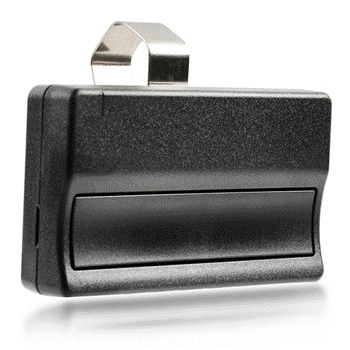
950D One Button Remote
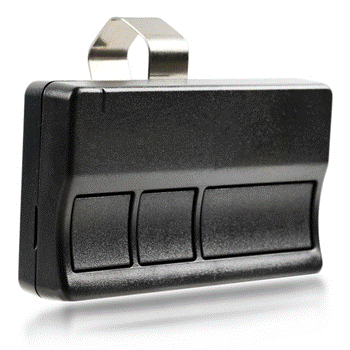
953D Three Button Remote
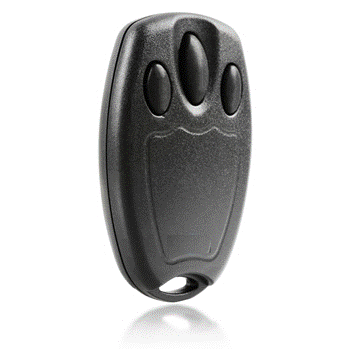
956D Key Chain Remote
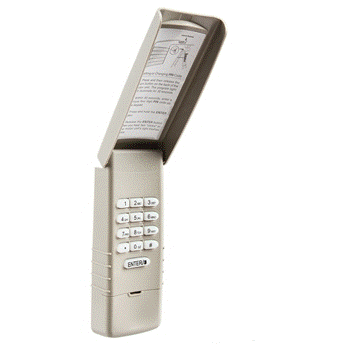
940D Wireless Keypad
940D-01 Wireless Keypad
Orange Program Button Controls
950CB, 953CB, 956CB, 940CB
Only Use the Chamberlain Orange
Programming Button to Set the Remote's New Code.
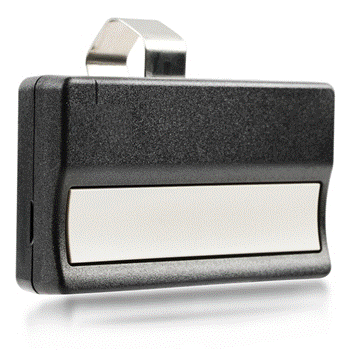
950CB One Button Remote
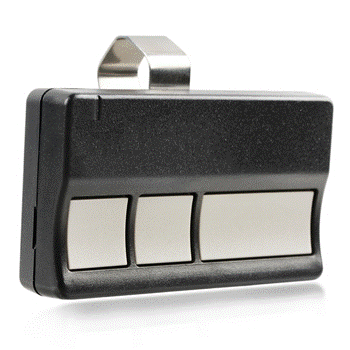
953CB Three Button Remote
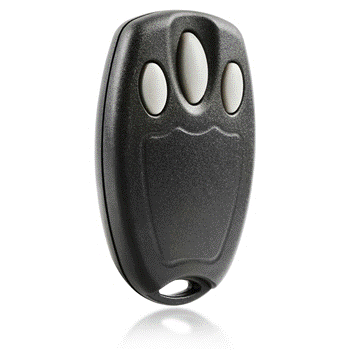
956CB Key Chain Remote
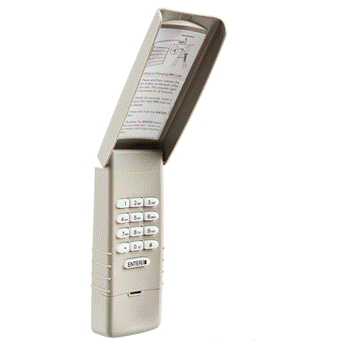
940CB Wireless Keypad
Yellow Program Button Controls
950ESTD, 8953ESTD, 940ESTD
Only Use the Chamberlain Yellow
Programming Button to Set the Remote's New Code.
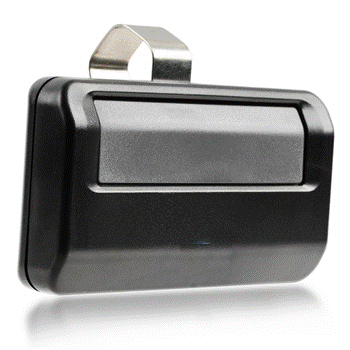
950ESTD One Button Remote
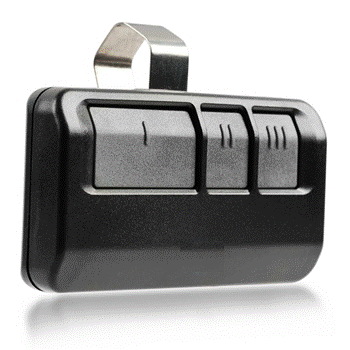
953ESTD Three Button Remote
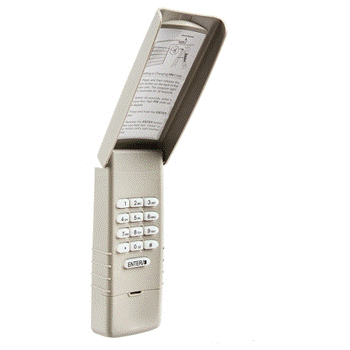
940ESTD Wireless Keypad
Green Program Button Controls
850CB, 853CB, 740CB
Only Use the Chamberlain Green
Programming Button to Set the Remote's New Code.
850CB One Button Remote
853CB Three Button Remote
740CB Wireless Keypad
How to Identify the Right Chamberlain Control
Check the learn button color on your opener’s motor housing:
Purple Learn Buttons use Remote Controls:
950D, 953D, 956D, 940D, 940D-01
Orange Learn Buttons use Remote Controls:
950CB, 953CB, 956CB, 940CB
Yellow Learn Buttons use Remote Controls:
950ESTD, 953ESTD, 940ESTD
Green Learn Buttons use Remote Controls:
850CB, 853CB, 856CB, 740CB